For speakers, teachers, podcasters, churches and events
One recording.
A month of clips.
Upload a talk, podcast, class or sermon. Clipistle reads the whole message, lifts out the moments worth sharing with their setup, proofreads every caption and writes the post for every platform. Event photos and videos become a highlight reel.
or upload a file · 90 free minutes · no card needed
Uploading the whole recording · 2 h 03 min
full-event.mp4 2.1 GB
- ~10 min
- for a 3-hour recording
- 8–12
- clips + a Short for each
- 6
- platforms, post text written
Why the clips are good
Clips that make sense on their own
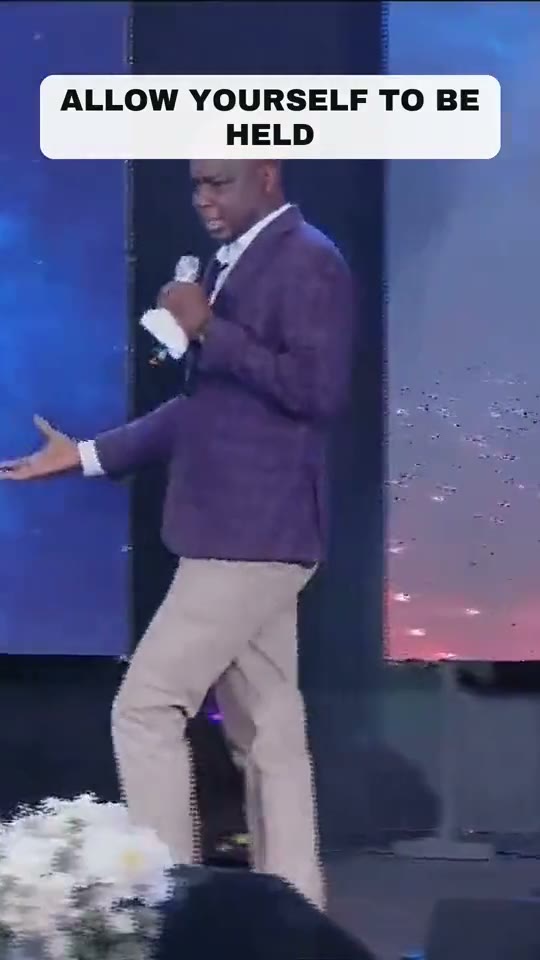
Most clippers cut mid-thought. Clipistle reads the whole message first, so every clip has its beginning and its landing.
Context first
If a point rests on a quote, a verse or a story told earlier, that part opens the clip.
Captions you can trust
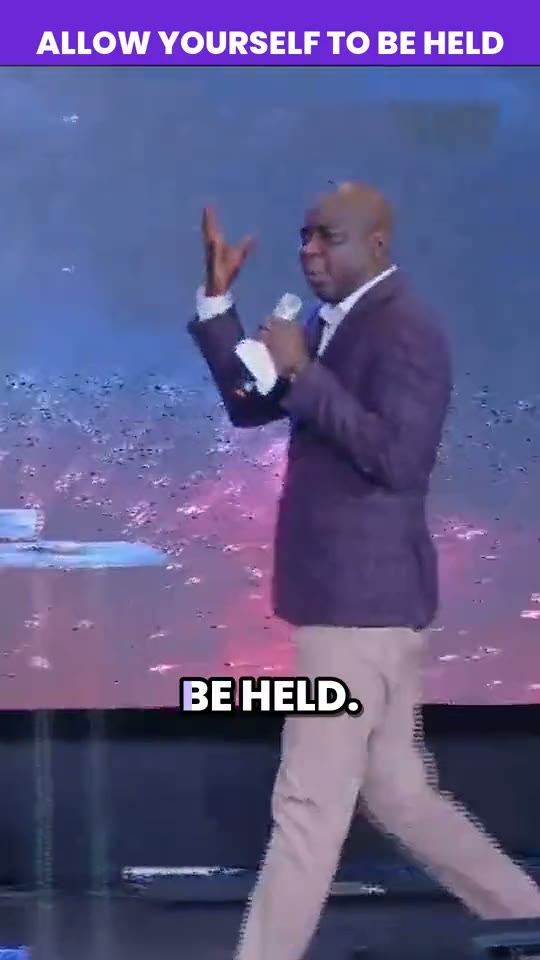
Misheard words are caught before you see them, from brand names to Bible names.
chat GBTChatGPT
A Short for every clip
Every long clip also gets a cut under a minute, opening on its hook.
The post is written too
Captions and hashtags for each platform, in the speaker's own words.
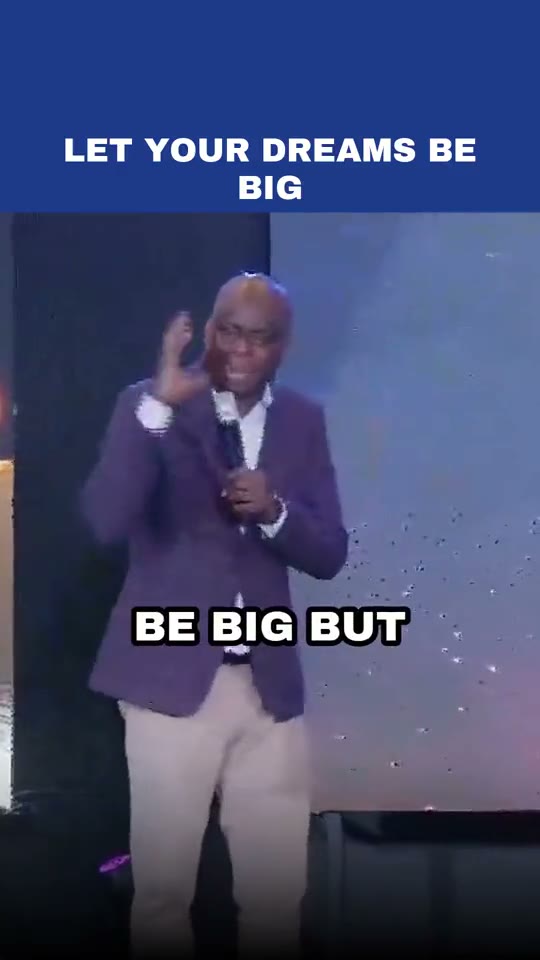
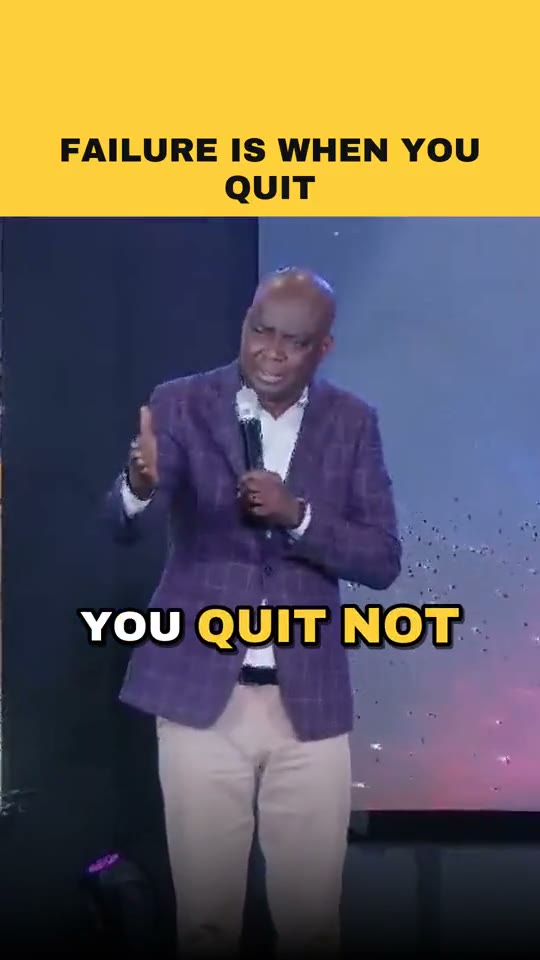
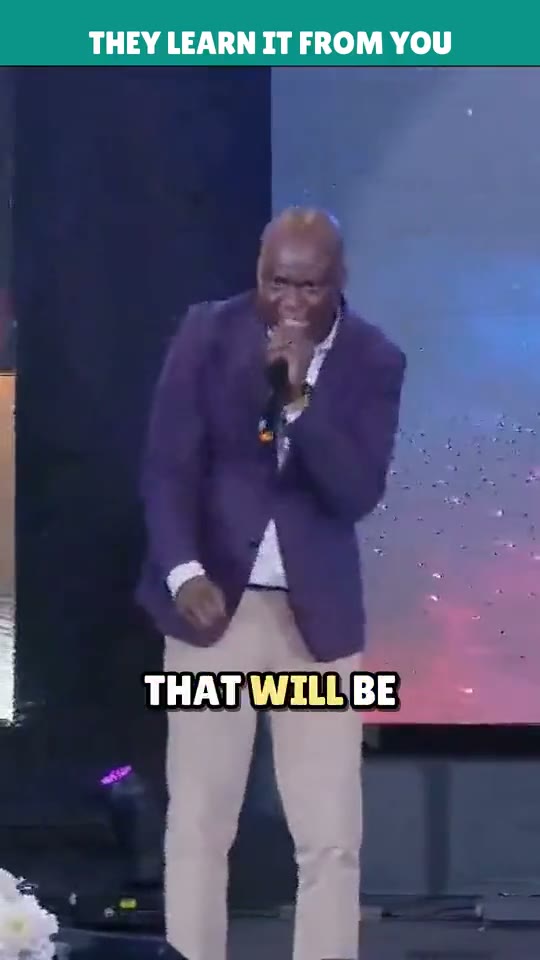
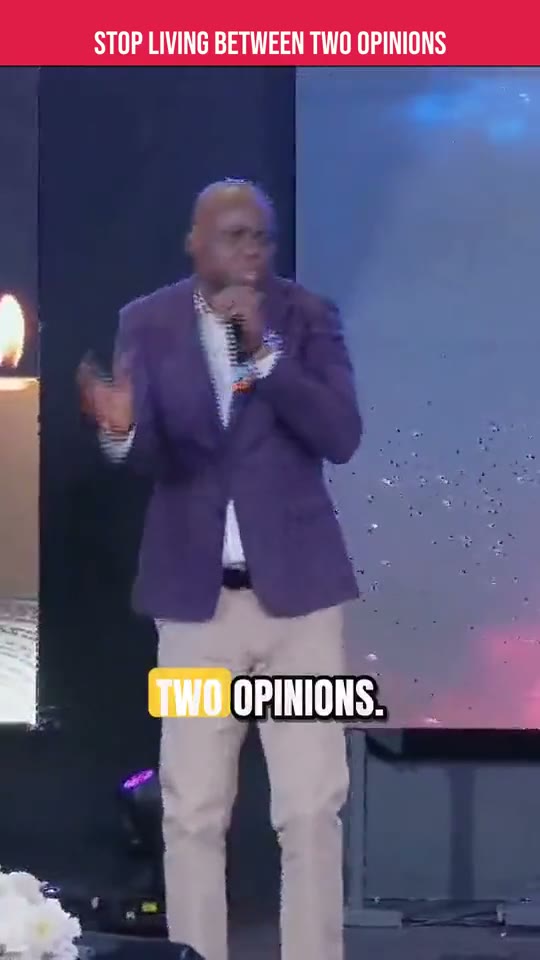
Highlight reels
A whole event, cut to the beat
Drop in the photos and videos from a conference, launch, service or retreat, up to 80 at once, straight from your phone. Clipistle picks the best moment of each, leaves out the blurry and the repeats, and cuts a 15, 30 or 60 second reel on the beat of the music.
- ✓Faces kept in frame, photos that drift instead of sitting still
- ✓Speech kept where someone talks to the camera, music dipping under it
- ✓Your title, logos and end card, and the post written
- ✓Move, remove or pin any shot and remake it in a minute
Summer Summit
Caption looks
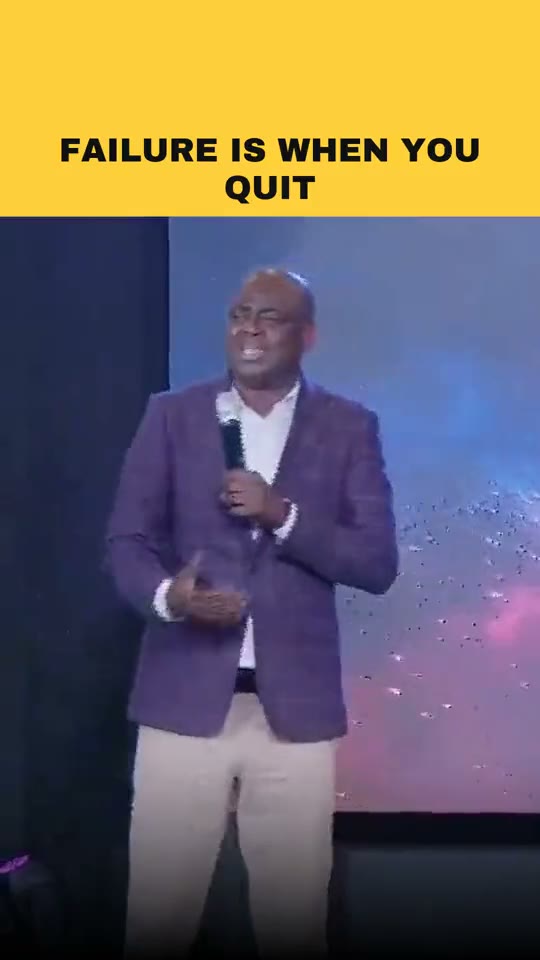
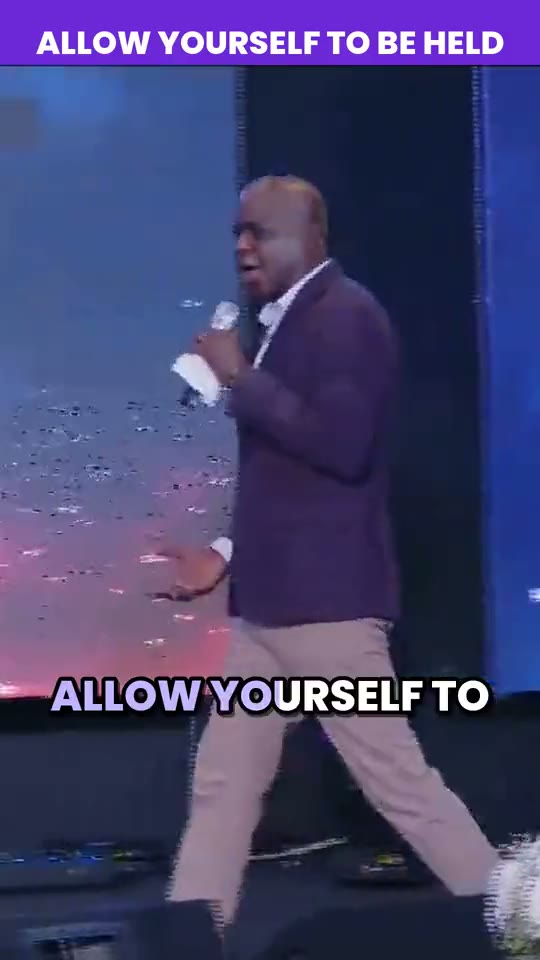
Every caption style, one tap away
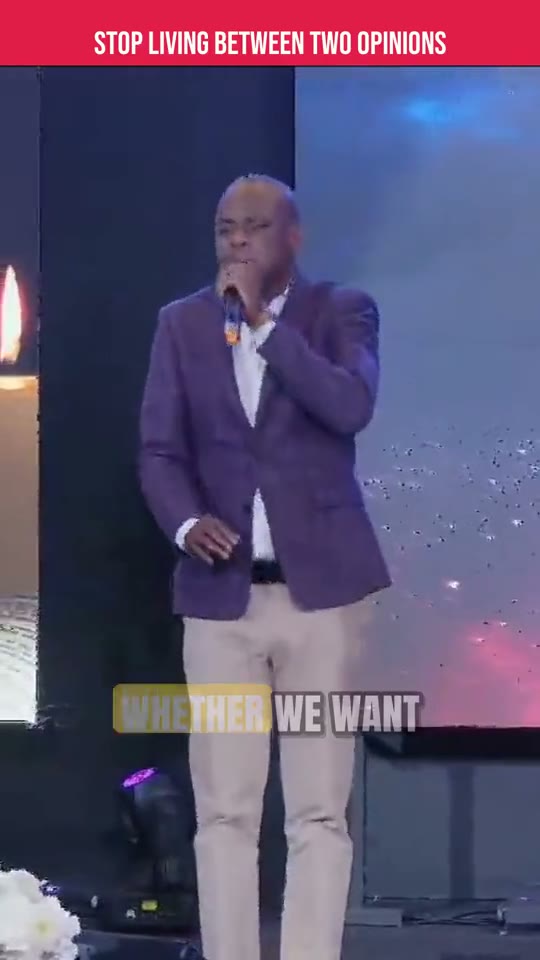
Words pop, bounce, sweep like karaoke or land like a typewriter, and the punch words light up. Pick one below.
Or build your own: any colors, twelve fonts, seven animations, your logo. Turn on mix mode and every clip gets a different look.
Social-safe
Your hook, where people can see it
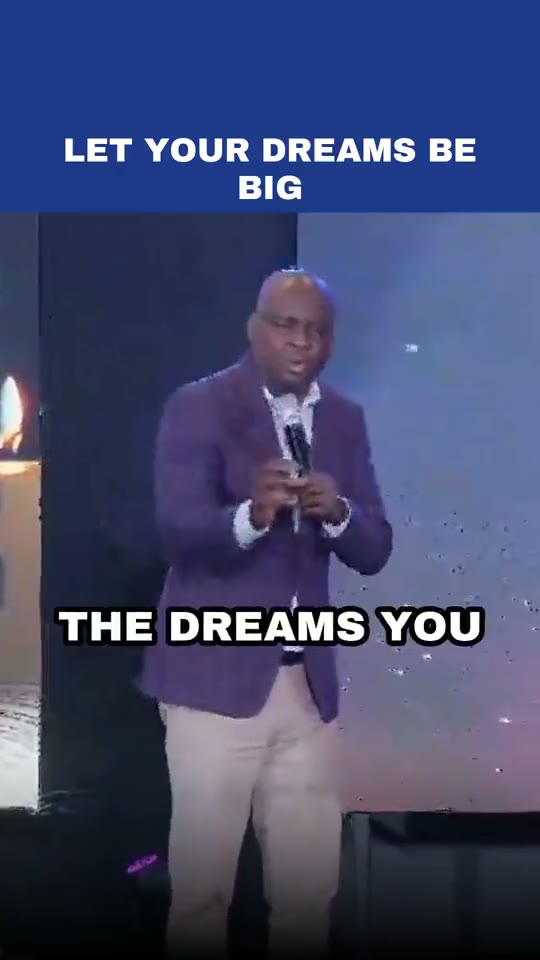
Instagram, TikTok and YouTube draw their header over the top of your video and your name, caption and music over the bottom. Most clip makers put the title right there. Clipistle’s Social-safe looks keep your hook and your name in the part every app leaves clear, in the feed and on your profile grid.
- ✓Title below the app's header
- ✓Captions above its buttons and caption
- ✓A soft fade where the app's own text sits
From recording to the feed in three steps
Upload or paste a link
The file from your camera, or a YouTube, Facebook, Google Drive or Dropbox link. Big files upload in pieces and resume if your connection drops.
Clipistle finds the moments
It skips the housekeeping, picks 8 to 12 clips with their setup, cuts a Short for each, and renders them all at once.
Check and post
Click any word to fix it, adjust a clip, pick a look. Copy the ready-written post for each platform and publish.
Made for people who speak
Speakers & coaches
Keynotes and workshops into clips that sell the next booking.
Podcasters
Keeps the question with the answer, so every clip stands alone.
Churches & ministries
Finds the sermon inside the whole service, with Bible-aware captions.
Conferences & events
Every session becomes a week of posts, and the day itself a highlight reel.
Teachers & trainers
Frameworks and key lessons, cut clean.
Organisations & brands
Town halls, launches and community work, with every logo where it belongs.
Questions
How long does it take?
About 10 to 12 minutes for a three-and-a-half-hour recording: transcription, clip picking, proofreading, and your best clips made into videos. The rest are made the moment you ask, in about a minute each. Shorter recordings are quicker.
What can I upload?
The video file from your camera or computer (up to 20 GB), or a YouTube, Facebook, Google Drive or Dropbox link. The original file gives the sharpest clips.
Can I fix a word or change a clip?
Yes. Click any caption and type over it, nudge where a clip starts and ends, change the title or the look, and re-render in a minute or two.
Will Instagram and TikTok cover my titles?
Not with the Social-safe looks. They keep your hook and your name below the app's header and above its caption and buttons, so they show in the feed and on your profile grid.
Is my content used to train AI?
No. Your recordings and clips are used only to make your clips. Source recordings are deleted 30 days after processing.
Can my team use it?
Yes. Invite your media team as editors or admins. Every plan includes unlimited team members.
What does it cost?
Try it free with 90 minutes of video, no card needed. Free videos carry a small “Made with Clipistle” mark. Plans start at $19 a month. For a long recording, only the main part counts: Clipistle finds the talk, session or sermon and skips the rest.
Can it make a reel from event photos and videos?
Yes. Upload up to 80 photos and clips on the Highlights page, choose 15, 30 or 60 seconds and a track, and Clipistle picks the best moments, cuts them on the beat and adds your title, logos and end card. Then move, remove or pin shots and remake it.
Turn your last recording into this week’s posts.
90 free minutes. No card needed.